Guide
Bass amp simulators: plugins, modelers and IRs, and how to set one up
Software and hardware that imitate a bass amp, cabinet and microphone: what each kind does and how to get a clean, low-latency sound at home.
Published
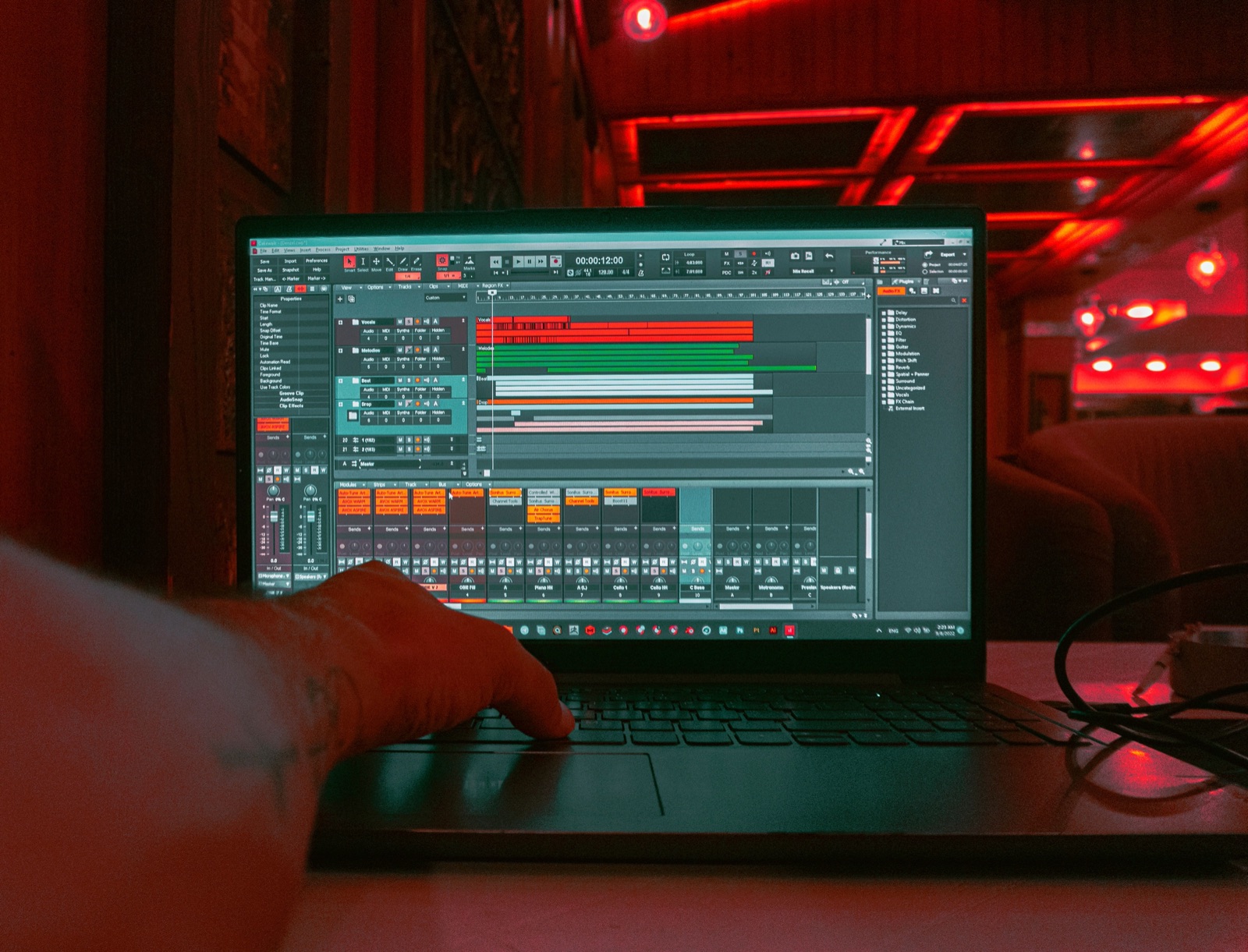
A bass amp simulator lets you record or practice with the sound of a bass amp without owning one, or without turning one up. You plug the bass into an audio interface or a modeling unit, and software imitates the amplifier, the speaker cabinet and the microphone that would normally capture them. By the end of this guide you'll know the difference between amp sim plugins, hardware modelers and cabinet impulse responses, and how to set one up so it sounds clean and responds without a noticeable delay.
What you'll need
Essentials
-
Audio interface with an instrument (hi-Z) input
: gets the bass into the computer at the right impedance and level. -
Recording software (DAW)
: hosts the amp simulator plugin; some include one. -
Headphones or studio monitors
: to hear the simulated amp while you play. -
Instrument cable
: from the bass to the interface; keep it reasonably short.
Optional
-
DI box or bass preamp pedal
: an alternative way in if your interface has no instrument input. -
Hardware modeler
: a pedal-style unit that runs amp models without a computer.
What a bass amp simulator models
A miked bass amp has three parts that shape the sound, and a full simulator imitates each of them:
- The amp: the preamp with its gain and EQ, and the power amp.
- The cabinet: the speakers and the box they sit in, which filter the sound heavily.
- The microphone: its type and position in front of the speaker.
Apple's description of Bass Amp Designer, included with GarageBand and Logic Pro on the Mac, is a good picture of the idea. Apple says it emulates three famous bass amplifiers and the cabinets used with them; Logic's guide lists them as a 300-watt tube head from 1969 with an 8 × 10-inch cabinet, a six-tube amp from 1960 with a 1 × 15-inch closed-back cabinet, and a 12-tube 360-watt head from 1989 with a three-way speaker array. Virtual microphones pick up the cabinet, and you can choose among three microphone types and position them.

The DI channel
Bass is often recorded without any amp. As Apple's guide puts it, many bass players use a direct connection to the mixing board, often through a passive or active DI box. Bass Amp Designer therefore has two channels, one for the amp and one for a direct box, and Apple's GarageBand guide explains that you can use either alone or blend the two in parallel with its Blend control. That blend of a clean DI with an amp sound is how many bass tracks are built, whichever tools you use.
Types of bass amp simulators
| Type | Where it runs | Good for | Keep in mind |
|---|---|---|---|
| Plugin (bass guitar VST, AU or AAX) | inside your recording software | recording and mixing; change the sound after recording | needs a computer and a low-latency setup |
| Plugin bundled with your software | same | starting at no extra cost | fewer models than dedicated plugins |
| Hardware modeler or multi-effects unit | a pedal or floor unit | practice, stage and recording without a computer | the sound is printed unless you also record a dry track |
| Cabinet IR loader | plugin or pedal | pairing a preamp or amp model with a cabinet sound | models the cabinet only, not the amp |
Plugins: the bass guitar VST
Most amp simulators are plugins in the VST, AU or AAX formats that run on a track in a digital audio workstation (DAW). Check which formats your DAW supports before buying one. Look first at what your software already includes: on the Mac, GarageBand and Logic Pro include Bass Amp Designer, and other DAWs often come with amp plugins of their own; check your DAW's plugin list. Starting with a bundled plugin teaches you what the controls do before you spend money on another.
Hardware modelers
A modeler is the same idea in a box: amp and cabinet models running on a dedicated processor in a pedal or floor unit. Many bass multi-effects units are modelers. BOSS, for example, lists 16 amp types for its GX-1B bass effects processor, support for loading WAV speaker IRs, a headphone output, and USB-C for recording into music software on a computer or mobile device. Units like this suit players who want the same sound for silent practice, the stage and recording.
Cabinet impulse responses (IRs)
An impulse response is, as Sound On Sound describes it, an audio snapshot of a space: run your signal through a cabinet IR and it takes on that cabinet's tonal qualities. An IR loader, as a plugin or a pedal, applies that snapshot. Use it after a preamp or an amp model that has its own cabinet simulation switched off. A cabinet IR stands in for the cabinet and, depending on how it was made, the microphone; the amp's gain and drive still come from the amp model or preamp in front of it.
How to set up a bass amp sim
These steps cover the simulator itself; the full recording chain, from choosing an interface to miking a real amp, is in how to record bass at home.
1. Use the instrument input
Plug the bass into your interface's instrument input, often labeled Inst or Hi-Z, or switched into that mode with a button. Sound On Sound's Hugh Robjohns explains that the instrument mode provides the right impedance for an electric guitar, which a line input doesn't, and a passive bass pickup needs the same load. If your interface has no instrument input, a bass DI box or bass preamp pedal into a microphone input does the same job; Radial describes a DI as converting the unbalanced high-impedance signal from an instrument to a balanced low-impedance one.
2. Set the input level
Play the loudest thing you'll play, with your hardest attack, and set the interface's gain so the input meter stays well short of clipping. Active basses and slapping produce strong peaks. If the input clips even with the gain at its minimum, Robjohns suggests engaging the interface's pad if it works on that input, or using an active DI into a mic input.
Leave headroom
Distortion from the interface is not the same as the drive of the simulated amp, and it cannot be removed later. Get a clean input first, then add any grit inside the plugin.
3. Set the buffer size
Latency is the delay between plucking a note and hearing it back through the simulator. Focusrite explains that the buffer size sets most of it: larger buffers are more stable but add delay, and the theoretical round-trip latency is twice the buffer size divided by the sample rate, so a 32-sample buffer at 44.1 kHz works out to about 1.45 milliseconds before the interface's own delays. Sound travels about one foot per millisecond, Focusrite adds, so 10 milliseconds feels like standing 10 feet from your amp.
Tracking and mixing settings
While recording through a simulator, set the buffer as low as your computer handles without clicks or dropouts. When you mix, raise it again. Focusrite also advises not adding plugins that introduce delay until the mixing stage.
4. Choose a starting sound
Pick a preset close to what you want, then adjust in this order: amp model, cabinet, microphone position, then gain, EQ and compression. Small changes to the virtual mic position often change the sound more than the EQ knobs do.
5. Blend in the DI
If the simulator has a DI channel or a mix control, start with an even blend of clean DI and amp. The DI keeps the low end firm and clear; the amp adds midrange character and grit. If it doesn't, duplicate the track, leave one copy clean and put the simulator on the other, then balance the two faders.
6. Record the dry signal
With a plugin inserted on the track, recording software usually stores your bass dry and processes it during playback, so you can change the amp later. With a hardware modeler, record a separate clean DI track alongside the processed one if the unit or your interface allows it.
Practicing with a simulator
A simulator is also a quiet practice rig. Through headphones on a computer or a modeler, you can practice at any hour with a full amp sound. If you don't want a computer on at all, a bass headphone amp does the same job in a small box with fewer options. Keep headphone volume moderate, and see a doctor if you notice ringing or dull hearing after playing.
Common mistakes
- Line input instead of instrument input, leaving the bass dull and weak.
- Clipping the interface and blaming the amp model for the distortion.
- A guitar amp model on bass, which can thin out low notes; use a bass model.
- Buffer too high while recording, which makes the bass feel late under your fingers.
- Two cabinets at once: an amp model with its cabinet on, followed by an IR loader.
- No dry track from a hardware modeler, so the sound can't be changed later.
What to check next
If you're choosing hardware rather than software, read about bass multi-effects units, many of which include amp models, and the bass preamp pedal as an analog alternative. The bass DI box guide covers the clean signal every simulator starts from, and how to record bass at home walks through the whole recording setup.
Questions
What is a bass amp simulator?
Software or hardware that imitates the sound of a bass amplifier, its speaker cabinet and the microphone in front of it. You plug the bass in directly, and the simulator shapes the signal as if it had been played through and recorded from a real amp.
Do I need a special bass guitar VST, or will a guitar amp plugin do?
Use a bass amp model where you can. Bass amp plugins model bass amps and cabinets, while guitar amp models are voiced for guitar and can thin out low notes; if your software has a bass amp plugin, start there.
Why do I hear a delay when I play through an amp sim?
That delay is latency: the time the computer needs to process the audio, set mostly by the buffer size. Lower the buffer size while recording, and raise it again when mixing if you hear clicks or dropouts.
Is GarageBand's bass amp good enough to start with?
It is a reasonable start. Apple's GarageBand guide describes Bass Amp Designer with amp, cabinet and microphone models and a direct box that can be blended with the amp in parallel.
Should I record the dry bass signal as well?
Yes, when you can. If the plugin sits on the track, most recording software keeps the dry signal on the track and only processes it on playback, so you can change the amp sound later; with hardware, record a separate clean DI track.
Sources
- Apple — Bass Amp Designer in GarageBand for Mac
- Apple — Bass Amp Designer signal flow in GarageBand for Mac
- Apple — Bass Amp Designer in Logic Pro for Mac
- Apple — Bass Amp Designer amp models in Logic Pro for Mac
- Focusrite — System science, part 2: drivers and latency
- Sound On Sound — Why does the instrument input on my audio interface always clip?
- Sound On Sound — Digital Performer: guitar amp impulse responses
- BOSS — GX-1B Bass Effects Processor
- Radial Engineering — Direct boxes: a brief overview
Read next
Guide
How to record bass at home: audio interface, DI, amp mic and phone
Plug in, set the gain, hear yourself without delay and capture a clean take, on a computer or a phone, with or without an amp.
Buying guide in Amps & effects
Bass multi-effects pedal: what one unit can replace and what to check before buying
Amp models, effects, a tuner and a looper in one box: how bass multi-effects units differ, which specs matter and how to set one up.
Guide in Amps & effects
Bass DI box: what it does, passive vs active, and preamp DIs like the SansAmp
How a DI turns your bass signal into one the mixer can use, which kind suits your bass, and where a preamp DI pedal fits.