Guide
Bass tuner online: tune a 4-, 5- or 6-string bass with your microphone
Press Start, pluck one string at a time and tune each note up to the center; reference tones and the frequency of every string are below.
Published
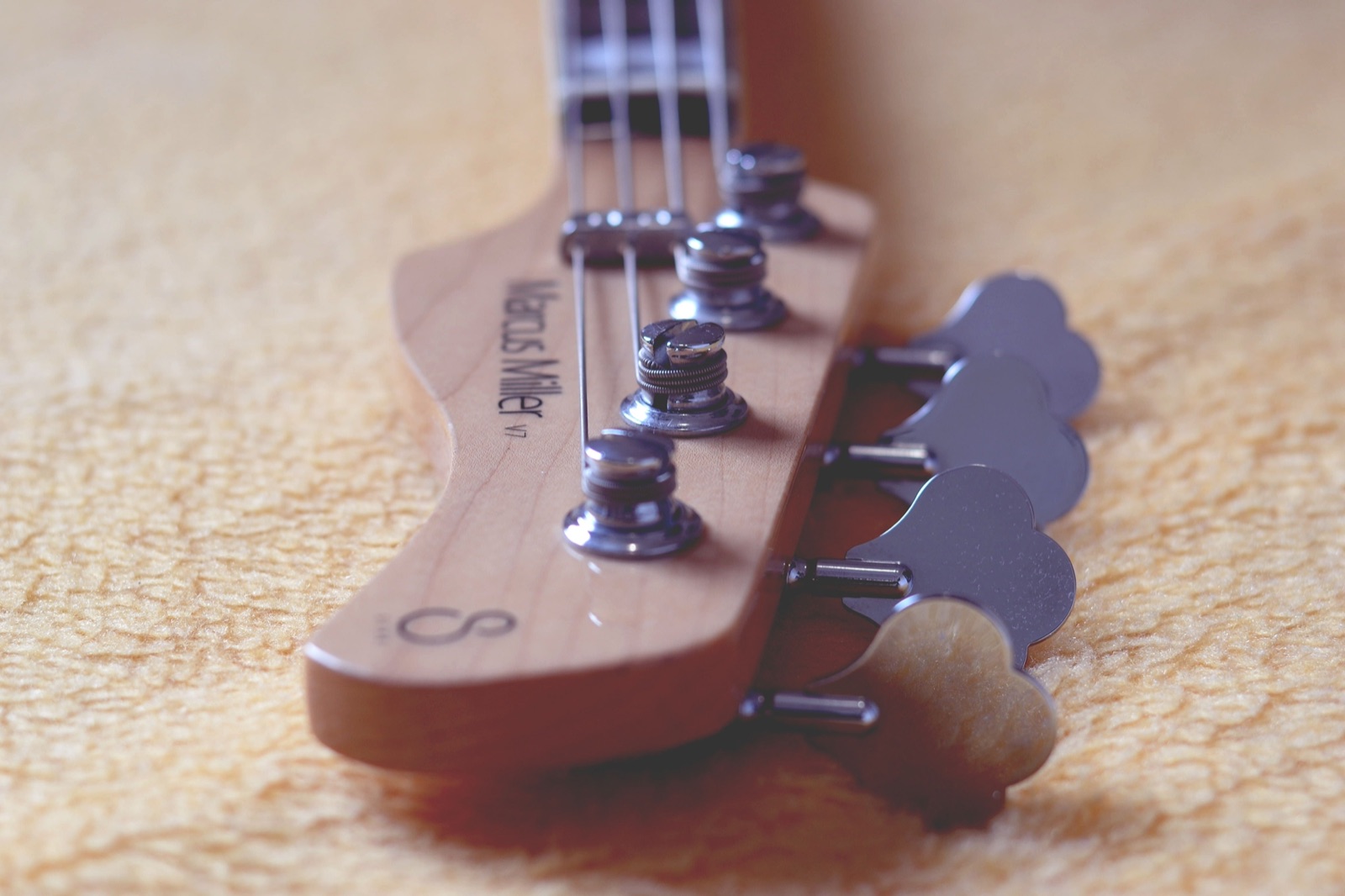
This free bass tuner works in your browser through your phone's or computer's microphone. Choose your tuning, press Start tuner and pluck one string at a time.
–
Press Start, then play one string and let it ring.
Strings (click one to hear its reference tone)
The sound is analyzed in your browser. Nothing is recorded, stored or sent.
How to use this bass tuner
- Pick a quiet room. The tuner hears everything the microphone hears, so turn off the TV and any fans.
- Choose your tuning: standard 4-string, 5-string, 6-string, drop D or half step down.
- Press Start tuner and allow the microphone when your browser asks. The sound is analyzed in your browser; it is never recorded or sent anywhere.
- Hold the phone or laptop close to the bass, with the microphone near the neck end of the body.
- Pluck one string firmly and let it ring. The tuner picks the string of your tuning nearest to the pitch it hears and shows that string's note. Below it you see the frequency you are playing and the note it is closest to; the needle shows how many cents flat or sharp you are, from −50 to +50, and an arrow appears when the string is further off than that.
- Turn the tuning key until the needle sits in the center and the message reads In tune, which means within 5 cents ("12 cents flat: tune up" tells you which way to turn). Hold it there for about half a second and the string gets a check mark in the list of strings.
- Tune up to the note, from below. If a string is sharp, loosen it below the note, then bring it back up. StewMac recommends tuning up to pitch, not down, so any slack in the gear or the string is taken up and the string doesn't drift flat.
- Check every string again once all of them are done, because changing the tension of one string moves the others slightly.
- Press Stop when you are finished. The tuner also stops and releases the microphone by itself if you switch to another tab.
A cent is a hundredth of a half step, so a few cents off is a very small difference. New strings stretch and drift flat for a while; stretch them gently, retune and repeat until they hold.
Notes and frequencies for each bass tuning
The tuner uses these pitches by default, with A4 = 440 Hz in equal temperament, the standard reference. Strings are listed from the lowest (thickest) to the highest.
| Tuning | Strings, low to high | Frequencies (Hz) |
|---|---|---|
| Standard 4-string | E1 A1 D2 G2 | 41.20, 55.00, 73.42, 98.00 |
| 5-string | B0 E1 A1 D2 G2 | 30.87, 41.20, 55.00, 73.42, 98.00 |
| 6-string | B0 E1 A1 D2 G2 C3 | 30.87, 41.20, 55.00, 73.42, 98.00, 130.81 |
| Drop D | D1 A1 D2 G2 | 36.71, 55.00, 73.42, 98.00 |
| Half step down | E♭1 A♭1 D♭2 G♭2 | 38.89, 51.91, 69.30, 92.50 |
4 string bass guitar tuner: E A D G
Standard tuning matches the double bass and the four lowest guitar strings, one octave down. The open E at 41.20 Hz is the lowest note.
5 string bass guitar tuner: B E A D G
A five-string is usually tuned B0 E1 A1 D2 G2: standard tuning with a low B below the E. At 30.87 Hz the B is the hardest note for any microphone; see the tips below. More on the instrument in our five-string bass guide.
6 string bass guitar tuner: B E A D G C
A six-string is usually tuned B0 E1 A1 D2 G2 C3, a five-string with a high C added above the G.
Drop D and half step down
Drop D lowers only the E string to D, as Yamaha describes it, and leaves the others where they are. Half step down lowers every string by one half step to E♭ A♭ D♭ G♭, a tuning Yamaha notes is common among hard rock and metal players.
Reference pitch and reference tones
The reference pitch is set to A4 = 440 Hz by default, and the − and + buttons move it one hertz at a time between 430 and 450 Hz. Change it only to match a piano, a recording or a band that tunes differently; the frequencies on the string buttons change with it, while the table above stays at 440 Hz.
Click a string in the tuner's list of strings to hear its reference tone, which sounds for about two and a half seconds. Use it to tune by ear, or when no microphone is available: play the tone, pluck the string and turn the key until the two sound like one steady note, without a slow wobble between them. For the fifth-fret and harmonic methods, see how to tune a bass.
Why phone and laptop microphones struggle with low notes
The lowest bass strings sit between about 31 and 41 Hz, and small built-in microphones are made for voices. Android's compatibility rules, for example, ask phone makers for a roughly flat microphone response from 100 to 4,000 Hz for voice recognition, but allow the level between 30 and 100 Hz to differ from it by as much as 20 dB. Laptop and phone microphones usually pick up little of a bass string's fundamental.

A plucked string also produces overtones at whole-number multiples of its pitch, and those sit well inside a microphone's range. Our ears hear a pitch from the overtones even when the fundamental is missing, which is why a bass still sounds like a bass through a small speaker. The waveform still repeats at the rate of the string's pitch, and that repetition is what the tuner measures, so it can read a low E whose fundamental the microphone barely hears.
Tips for the low E and B strings
To give the tuner the cleanest signal:
- Pluck firmly, near the neck end of the body, and let the note ring.
- Hold the microphone close to the strings.
- Wait a moment after the attack: the reading settles as the note sustains.
Why not to use the 12th-fret harmonic here
The harmonic at the 12th fret is the same note as the open string, an octave higher, as Yamaha explains. This tuner compares what it hears with the strings of your tuning, so the harmonic of the E string (82.4 Hz) lands nearer the D string and the needle measures it against D. Tune the open strings instead; the harmonic is useful with a chromatic clip-on or pedal tuner, which reads any note.
Troubleshooting the online tuner
No microphone prompt, or access blocked
Browsers only allow microphone access on secure (https) pages and must ask your permission at least the first time, as MDN documents. If you blocked it by mistake, open the site settings from the icon next to the address bar and allow the microphone. In Chrome on a computer, the setting is under Settings, Privacy and security, Site settings, Microphone. On a phone, also check that the browser itself is allowed to use the microphone in the system settings.
The reading jumps around
- Mute the other strings with your hands so only one rings.
- Move away from fans, traffic and other instruments.
- Pluck once and let the note ring instead of plucking again and again.
- Hold the microphone closer to the strings, especially for the low E and B.
It shows the wrong string
Check that the tuning you chose matches your bass. The tuner always shows the string nearest to the pitch it hears, so a string far out of tune, for example after a string change, may read as its neighbor; tune it close by ear with the reference tone first.
When a clip-on or pedal tuner is better
A microphone tuner works well at home in a quiet room. At a rehearsal or on stage, a clip-on tuner, which reads vibration through the headstock, or a pedal tuner, which reads the signal from your cable, ignores the noise around you. Compare them in our bass tuners guide.
Questions
Is this bass tuner free?
Yes. It runs in your web browser with no account and no download; all it needs is permission to use your device's microphone.
Does the online bass tuner record me?
No. The sound from the microphone is analyzed in your browser to find the pitch, and it is never recorded or sent anywhere.
Can I tune a 5-string or 6-string bass with it?
Yes. Choose the 5-string tuning (B E A D G) or the 6-string tuning (B E A D G C). The low B is about 30.87 Hz, so pluck it firmly and keep the microphone close.
Why does the tuner struggle with my low E or B string?
Phone and laptop microphones often pick up little sound below about 100 Hz, and the lowest bass strings sit between about 31 and 41 Hz. The tuner measures how often the waveform repeats, which still works when the fundamental is faint, but a firm pluck, a quiet room and a close microphone help.
What reference pitch should I use?
Leave it at A4 = 440 Hz unless you are playing with a piano, a recording or a band tuned to something else. The tuner lets you set it anywhere from 430 to 450 Hz.
Sources
- Wikipedia — Bass guitar tuning
- Wikipedia — Piano key frequencies
- Wikipedia — Cent (music)
- Yamaha Hub — Alternate bass tunings
- Yamaha Hub — How to play bass guitar harmonics
- StewMac — 5 reasons your guitar won't stay in tune
- Android — Compatibility Definition Document (audio capture)
- Wikipedia — Missing fundamental
- MDN — MediaDevices: getUserMedia()
- Google Chrome Help — Use your camera and microphone in Chrome
Read next
Guide
How to tune a bass guitar: standard, five-string and drop D
Standard E A D G with a tuner or by ear, the low B of a five-string, six-string tuning and drop D, with the checks that keep it in tune.
Buying guide in Accessories
Bass tuners: clip-on, pedal, app or built-in, and what to check for low notes
Clip-on, pedal, app or built into your amp: how each kind of tuner hears a bass, and the specs that matter for low strings.
Buying guide in Basses
5 string bass: what the low B adds and how to choose one
A fifth string extends the bass downward to a low B. Here is what that changes in the neck, the sound and your playing, and how to compare five-string basses.